The NVIDIA Blog |  |
- How We Created Demos that Blur the Line Between Real and Rendered
- DesignWorks VR: Bringing Virtual Reality to Professional Design
- NVIDIA DesignWorks Unleashes Power of Interactive Photorealistic Rendering
| How We Created Demos that Blur the Line Between Real and Rendered Posted: 11 Aug 2015 09:00 AM PDT NVIDIA's Ian Williams calls the star of our latest demo — an 18-volt DeWalt power drill — "the talent." That's because — with the help of our Iray rendering technology — Ian and his small team are turning this humble yellow-and-black gadget into our newest star. It's the latest chapter in a story we've been telling on social media for months now. We display images of real and digitally rendered objects side by side, and then ask if you can tell the difference. It's fiendish fun. Now we're bringing this challenge to SIGGRAPH, the world's top computer graphics conference. We're so confident our new rendering technology mimics reality we've created a digital model of a drill to display side by side with a live high-definition image of the real thing. Let's see if the experts can tell them apart. 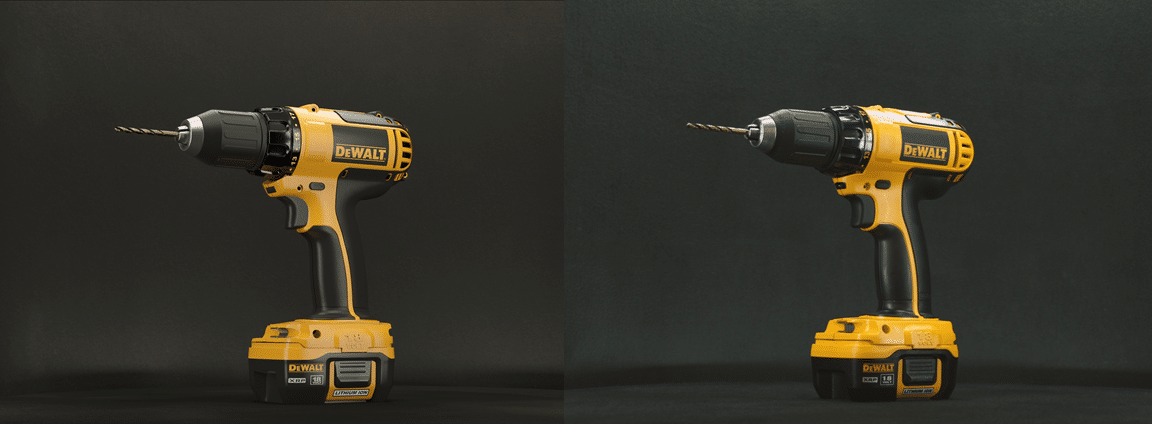 The story behind our "real or rendered" story: we want to give designers the ability to see photorealistic images of their products as they create them with their favorite design tools. No rendering farm required. "This shouldn't just be for people with million dollar budgets," Ian says. "This should be for every designer." In addition to the showstopper, our digital drill, Ian and his team have created a couple of "real or rendered" demos just for SIGGRAPH. The team has built a digital model of a Santa Cruz "Nomad" carbon bike. We'll also show the 4N Sapphire, a $195,000 watch with exposed gears and wheels, complete with accurate movement, designed by François Quentin using Dassault's Catia Live Rendering software, which uses Iray. Sit down with Ian, director of applied engineering for our Professional Solutions Group, and he'll show you how easy it is to manipulate the digital model of the DeWalt power drill his team created. He can spin the drill around with the flick of a mouse. Change the lighting with a few clicks. Even swap in new materials — brushed aluminum, for instance. Seconds later he's looking at a photorealistic image of the results. Drilling DownAll we needed to create this model was 3DS Max — a widely used digital design tool — and our Iray plug-in. The plug-in is one of a series we're going to be releasing for some of the most popular design tools. Our goal: give you the ability to create photorealistic models of your work, in real time, in your favorite app. Another NVIDIA-created tool at Ian's disposal is our new Material Design Language. We created MDL so designers can add physically based digital versions of different materials inside their favorite apps. At SIGGRAPH, it's all running on a Windows PC powered by a pair of Quadro M6000 graphics cards. No rendering farm required. What's striking, though, is how much the digital model resembles the real thing, which is displayed side by side in front of Ian on a 52-inch 4K display. The real drill sits just a few feet away. Its image is beamed to the display using a high-end 4K camera to ensure we capture every one of the drill's details. Never before has a humble power drill received this kind of star treatment. Iray: On the CaseThis set-up, of course, posed a design challenge of its own. To capture every detail on the real drill's surface, Ian had to custom design and hand assemble a display case to make the real drill look as realistic as possible. His first attempt, a plain wooden box with a white exterior, failed to light the details on the stubby, nubby drill properly. 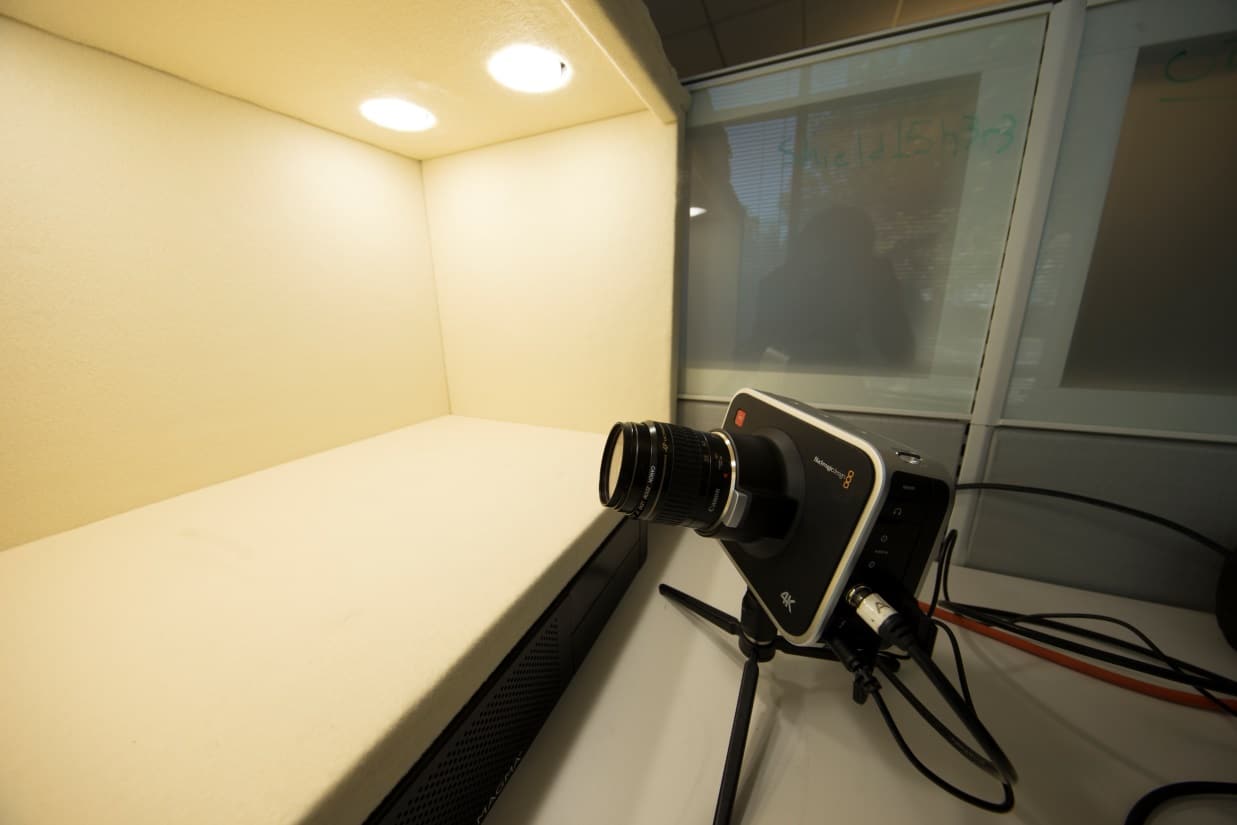 To get it right, Ian consulted with NVIDIA's creative team as well as design experts on the Iray team. They prototyped the perfect lightbox using Iray, so the team could visualize how light would interact with the drill. The result is a curved, black case, lit through multiple locations, including slats cut below, above and to the sides the drill. "We want every detail to pop," Ian says. "We want you to feel like you can reach out and grab it." 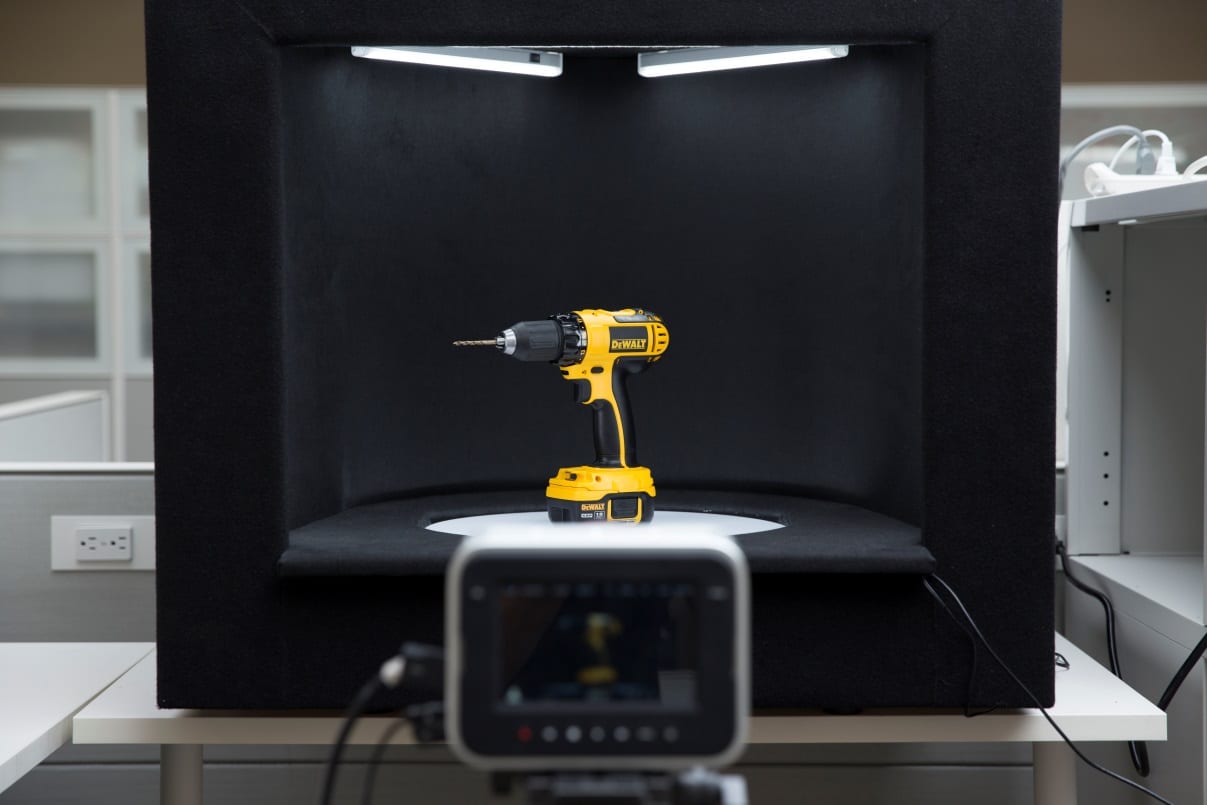 The only way for this untrained eye to tell the difference is to do just that. Stop by our booth #500 at SIGGRAPH to see it yourself.
The post How We Created Demos that Blur the Line Between Real and Rendered appeared first on The Official NVIDIA Blog.    |
| DesignWorks VR: Bringing Virtual Reality to Professional Design Posted: 11 Aug 2015 07:00 AM PDT Virtual reality is garnering a lot of attention right now for PC gaming, and rightly so. VR is a powerful, immersive experience, one that's very different than sitting in front of a computer. And because that experience can provide a better sense of how humans and products might interact, businesses are also putting VR technology to use. They're using VR to digitally sculpt models of their products before creating physical prototypes. Or understand human factors and user experience. In fact, many design applications can benefit tremendously from the latest virtual reality technology. To address the VR needs of professional designers, we unveiled DesignWorks VR at this week's SIGGRAPH computer graphics conference. DesignWorks VR is NVIDIA's set of APIs, libraries and features that enable both VR headset and application developers to deliver amazing, high-quality VR experiences. DesignWorks VR has components that enable VR environments like head-mounted displays (HMD), immersive VR spaces such as CAVEs and other immersive displays, and cluster solutions. DesignWorks VR builds on NVIDIA's existing GameWorks VR SDK for game developers, with improved support for OpenGL, and features critical for professional VR applications. With DesignWorks VR, virtual reality developers can push the limits to create fully immersive and interactive experiences. VR for Product Design The first automotive company to use VR to create vehicles, Ford Motor Company, is in our SIGGRAPH booth (#500) showing how they've made VR central to automotive development over the last few years.
Ford's team of globally dispersed engineers and designers work in an ultra-high-definition, virtual reality space. It helps them provide simultaneous input on digital prototypes, before building physical prototypes. "Through its continual strides in the virtual reality space, namely through the development of Ford Immersive VR Environment (FiVE) capability, Ford is now able to evaluate vehicle prototypes in real time, in full scale and in context – bringing energy and emotion, as well as accuracy, to its immersive 3D visual environments." — Elizabeth Baron, virtual reality and advanced visualization technical specialist, Ford
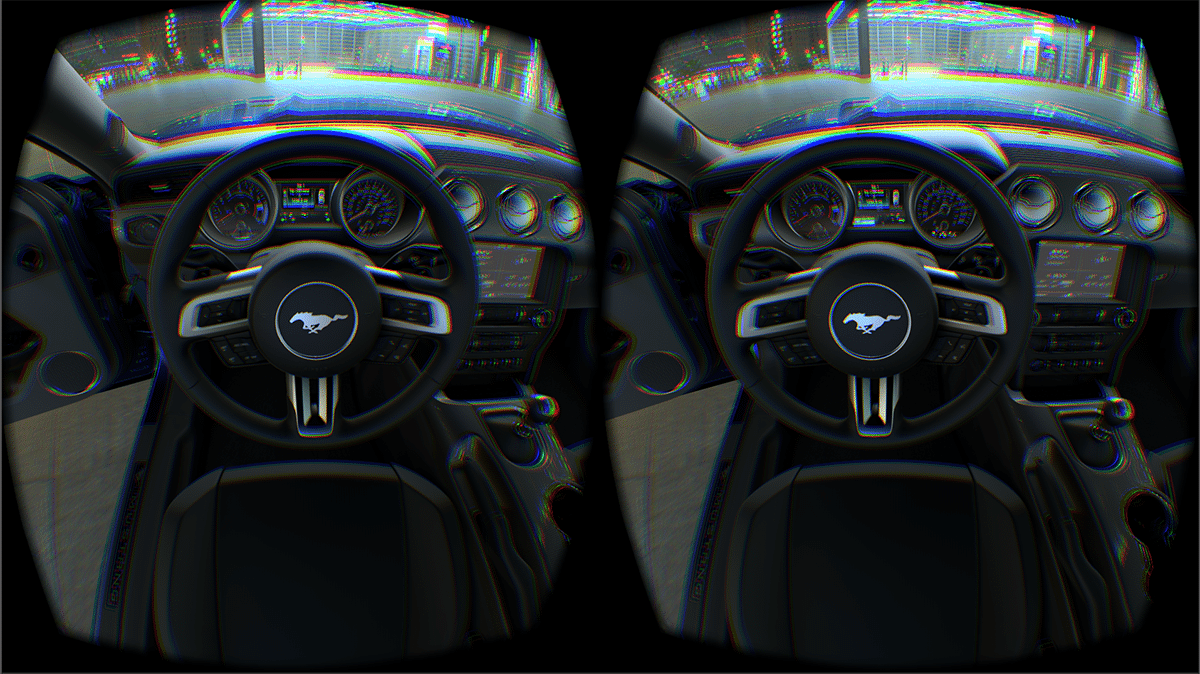
Created with Autodesk VRED 3D visualization software, Ford's digital models run on two high-end Quadro M6000 graphics cards. Automotive designers and engineers can strap on an Oculus headset and examine the entire exterior and interior of a car design. The interactive digital prototype lets designers drill down into the photo-realistic details. So they can see how each particular element looks, such as the texture of the dashboard or upholstery. Or they can check the positioning or shape of individual design elements, such as lighting size and brightness. By using new tools within DesignWorks VR, Ford and Autodesk realized substantial performance improvements to make the demo smooth and interactive. VR for Cinema Filmmakers are excited about interactive cinematic VR, too. We have a great example of what's possible in our booth where you'll be able to try on the latest Crescent Bay prototype headset from Oculus and step inside Thief in the Shadows. Created by Weta Digital and Epic Games, this fully immersive experience, set in the Lord of the Rings universe, lets viewers take on the role of a hobbit prowling for treasure in a dragon's lair. It's a visceral experience. You'll have to physically turn around and crane your neck to be able to take everything in.  If you're at SIGGRAPH, you can also stop by to see the NVIDIA Best of GTC Theater for talks on how companies like Audi and Videostich are working with VR in design. The full schedule is here. To learn more about DesignWorks VR and get access to the SDK, visit our developer website here. The post DesignWorks VR: Bringing Virtual Reality to Professional Design appeared first on The Official NVIDIA Blog.   |
| NVIDIA DesignWorks Unleashes Power of Interactive Photorealistic Rendering Posted: 10 Aug 2015 06:00 PM PDT To bring the power of interactive photorealism to mainstream designers, we're announcing NVIDIA DesignWorks. DesignWorks is a new set of software tools, libraries and technologies for the developers behind the software that designers use to create the products we use, the buildings we live in, and the planes, trains and automobiles that keep us on the move. The big idea of DesignWorks is to give application developers a way to take advantage of our work in both physically based rendering (PBR) and physically based materials — cornerstones of visualizing a design interactively with photo-real results. PBR isn't new. It's been used for movies and games where the requirement is for a scene or model to look good, but where accuracy is less important than achieving the desired look. Contrast that with the requirements of an architect who might need to understand how sunlight will reflect off exterior windows or whether the lighting in a parking structure is sufficient for safety. Or a motorcycle designer who wants to understand if a particular kind of metallic paint will be attractive. To them, accuracy is of paramount importance. They need applications that let them see and interact with accurate visualizations of what their final product will be.  And of course these users will want to be able to visualize their designs the way that makes sense for their business. That might be at their desktop, on large multi-display walls, using virtual reality or even from a remote location. These capabilities and more all come together in DesignWorks, with some two dozen tools that include rendering, materials, display and much more. Among them:
Industry AdoptionSome of the most important 3D design applications on the market today already incorporate these tools. You can find Iray in applications such as Dassault Systèmes CATIA. Autodesk VRED uses our VR technologies to provide immersive experiences to designers. And materials creation applications such as Substance Designer by Allegorithmic and popular renderers such as Chaos V-Ray and NVIDIA's own mental ray support MDL. Find Out MoreInterested? If you want to incorporate interactive PBR into your application or expand the capabilities you offer your customers, learn more about DesignWorks.
The post NVIDIA DesignWorks Unleashes Power of Interactive Photorealistic Rendering appeared first on The Official NVIDIA Blog.   |

| You are subscribed to email updates from The Official NVIDIA Blog To stop receiving these emails, you may unsubscribe now. | Email delivery powered by Google |
| Google Inc., 1600 Amphitheatre Parkway, Mountain View, CA 94043, United States | |